Beginner CNC Mistakes to Avoid (and the Bits to Use Instead)
Table of Contents
- 1. Using the Wrong Bit for the Material
- 2. Running Feeds & Speeds Too Slowly
- 3. Forgetting to Surface the Wasteboard
- 4. Using V-Bits Without Understanding Angle Differences
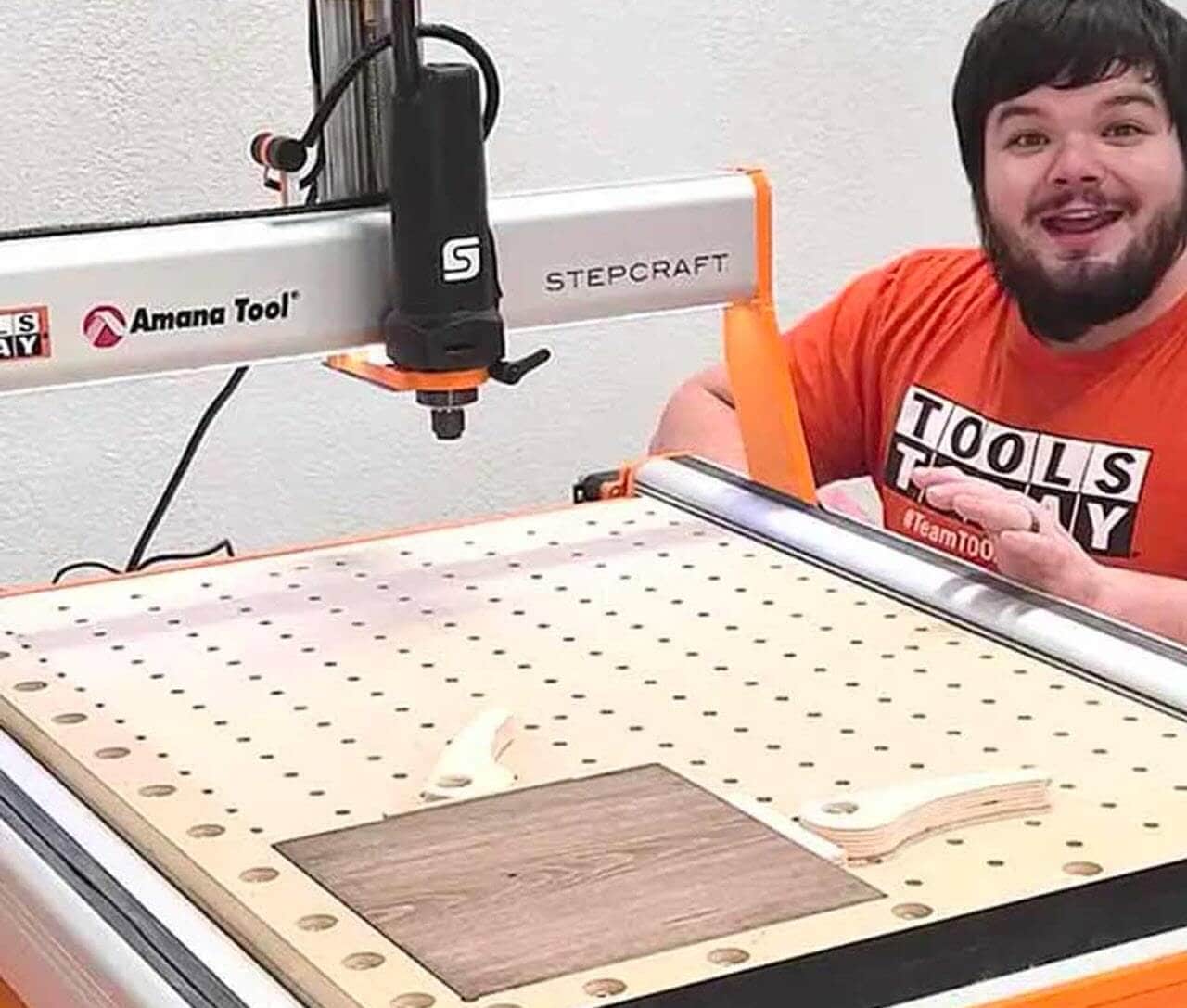
- Get CNC Clampdown Wasteboard Plans designed for STEPCRAFT D.840A high-quality work holding wasteboard, like this one, is one of the best upgrades you can make to your CNC. Cam clamps are also included in the plans.
- 5. Not Securing Material Properly
- 6. Cutting Aluminum Like It’s Wood
- 7. Ignoring Chip Evacuation
- 8. Expecting One Bit to Do the Whole Job
- 9. Forgetting to Tram the Router or Spindle
- 10. Buying Cheap Bits (and Paying for It Later)
- Conclusion: The Right Bits Make CNC Easier
CNC routers open up a world of precision carving, signmaking, furniture joinery, and repeatable production. But every CNC beginner hits the same set of avoidable mistakes—usually involving the wrong bit, the wrong feed/speed settings, or expecting the machine to fix problems that actually start with tool selection.
This guide tackles the most common beginner CNC mistakes and gives you the exact router bits that help you avoid them. Whether you’re a DIYer learning your first CAM software or a small shop dialing in production, these tips will save materials, machine time, and frustration.
1. Using the Wrong Bit for the Material
Choosing a bit “that seems close enough” is one of the quickest ways to burn wood, melt plastic, or snap a tool.
Common beginner mistake
Using a single up-cut or straight bit for everything—wood, plywood, hardwood, MDF, HDPE, acrylic—because it “looks right.”
What happens
- Tear-out on plywood
- Fuzzing on MDF
- Chatter in hardwood
- Melting and rewelding in plastics
- Shortened bit life
What to use instead
- For hardwood & softwood: Spektra-coated spiral bits (e.g., 46202-K, 46200-K) for clean edges, cooler cutting, and longer life.
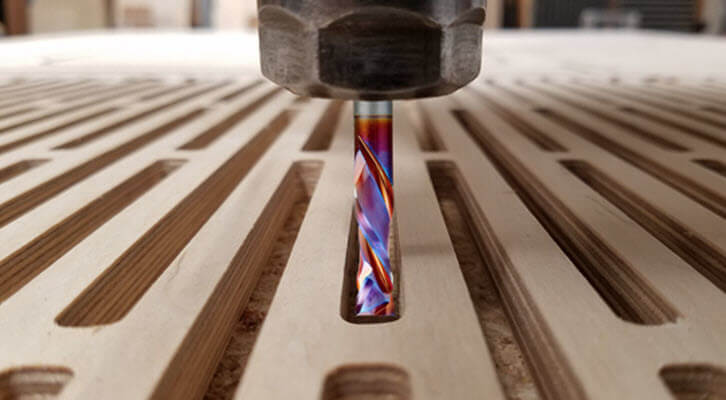
- For plywood & laminated materials: Compression spirals (e.g., 46102, 46170) for clean top and bottom edges in one pass.
- For plastics (acrylic, HDPE, PVC): O-flute bits (e.g., 51410, 51411-K) designed to avoid melting and chip welding.
2. Running Feeds & Speeds Too Slowly
Beginners often believe “slower equals safer.” Unfortunately, on a CNC, slow feeds = heat = problems.
Common beginner mistake
Running at low feed rates and low spindle RPMs “just to be careful.”
What happens
- Burned wood
- Melted plastic
- Dull bits
- Excessive chatter
- Short tool life
What to use instead
- Use chipload charts from your bit manufacturer.
- Use up/down spirals like 46125-K that stay cooler thanks to polished carbide and Spektra coating.
- Use single-flute O-flutes on plastics—they thrive on higher feed rates.
Rule of thumb: If your dust looks like flour, you’re cutting too slow. Chips = good. Dust = heat.
3. Forgetting to Surface the Wasteboard
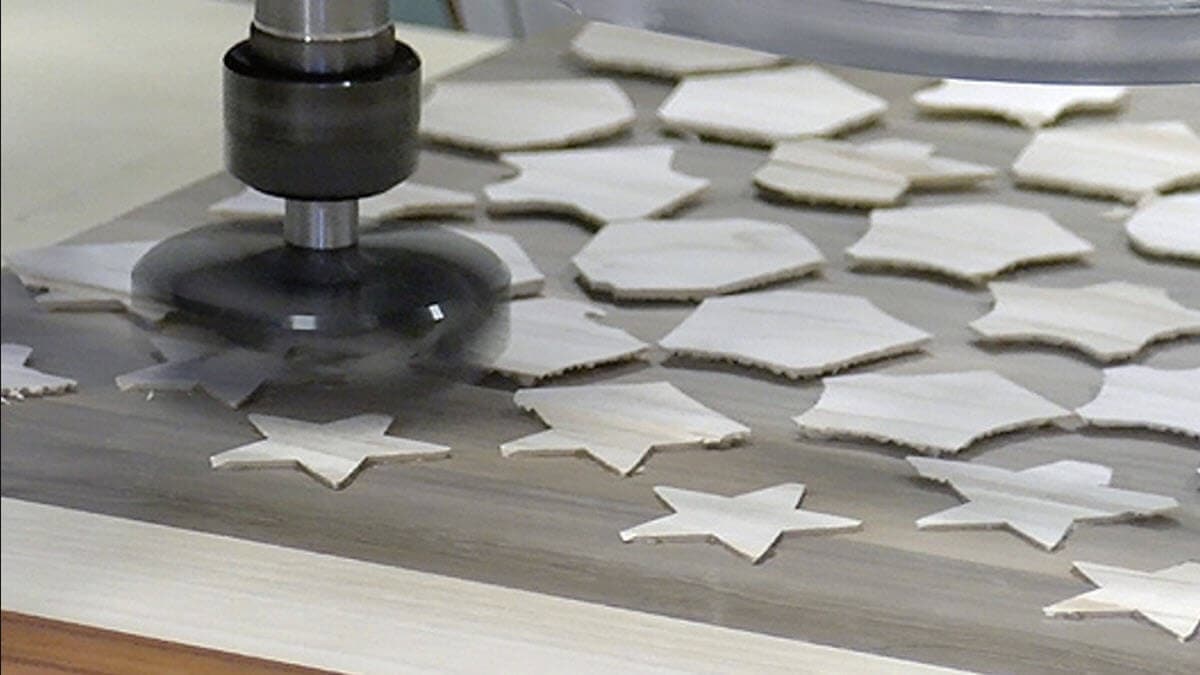
Your CNC can only be as accurate as the plane it's cutting on.
Common beginner mistake
Mounting a fresh wasteboard and assuming it’s perfectly flat.
What happens
- Inconsistent cut depths
- Letters that vary in thickness
- V-carve details that disappear on one side
- Patchy pocket bottoms
What to use instead
- Insert spoilboard surfacing bit (e.g., RC-2251) for long-lasting, razor-flat surfaces.
- Mini insert surfacing bit (e.g., RC-2248) for smaller machines.
These leave your spoilboard (or slab) flat so your bit cuts consistently across the entire work area.
4. Using V-Bits Without Understanding Angle Differences
Many new CNC owners buy “a V-bit” without realizing the angle affects everything: detail, depth, cut width, and finish.
Common beginner mistake
Using a 90° V-bit for highly detailed lettering.
What happens
- Letters lose definition
- Corners are rounded
- Toolpaths cut deeper than expected
What to use instead
- 60° V-bits (e.g., 45624-K): ideal for most detailed text and signmaking.
- 30° engraving bits (e.g., 45634-K): better for ultra-fine detail.
- 90° V-bits (e.g., 45639-K): best for bold, wide V-carves.
Get CNC Clampdown Wasteboard Plans designed for STEPCRAFT D.840
A high-quality work holding wasteboard, like this one, is one of the best upgrades you can make to your CNC. Cam clamps are also included in the plans.
Get CNC Clampdown Wasteboard Plans designed for STEPCRAFT D.840
A high-quality work holding wasteboard, like this one, is one of the best upgrades you can make to your CNC. Cam clamps are also included in the plans.
5. Not Securing Material Properly
Even the best bit will ruin a job if the material moves.
Common beginner mistake
Relying on only two clamps or using weak double-sided tape.
What happens
- Parts shift during the cut
- Loss of accuracy
- Broken bits
- Dangerous kick-up on smaller pieces
What to use instead
- Downcut bits (e.g., 46200-K): help push the workpiece down while cutting.
- Compression spirals: reduce upward pull on plywood.
- Tabs in your CAM software: keep small parts attached until the job is done.
6. Cutting Aluminum Like It’s Wood
Aluminum is absolutely CNC-friendly—but only with the right tooling and settings.
Common beginner mistake
Using a wood spiral bit on aluminum at high RPMs.
What happens
- Chip welding
- Smeared edges
- Bit breakage
- Possible spindle damage
What to use instead
- ZrN-coated single-flute aluminum bits (e.g., 51475-Z).
- Lower spindle speeds with higher feed rates to get proper chipload.
- Mist lubrication or air blast whenever possible to clear chips.
7. Ignoring Chip Evacuation
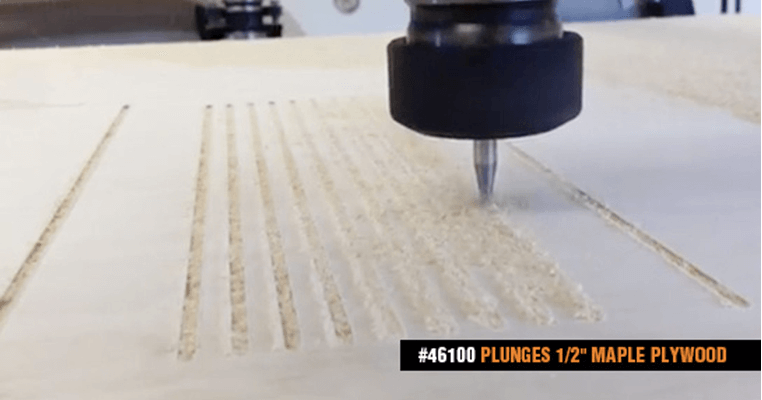
If chips can’t get out of the cut, they get recut—and heat skyrockets.
Common beginner mistake
Using only downcut bits on deep cuts.
What happens
- Clogged flutes
- Burned material
- Broken bits
- Poor surface finish
What to use instead
- Upcut bits (e.g., 46315-K): for deep pockets and through-cuts.
- Compression bits: for plywood—up on the bottom, down on the top.
- O-flute bits: for plastics—excellent chip clearing and cooler cutting.
8. Expecting One Bit to Do the Whole Job
A CNC job often needs three to five bits for the best results.
Common beginner mistake
Trying to pocket, profile, and finish-cut with the same tool.
What happens
- Rough wall finish
- Slow machining
- Excess tool wear
What to use instead
A typical three-bit setup for wood:
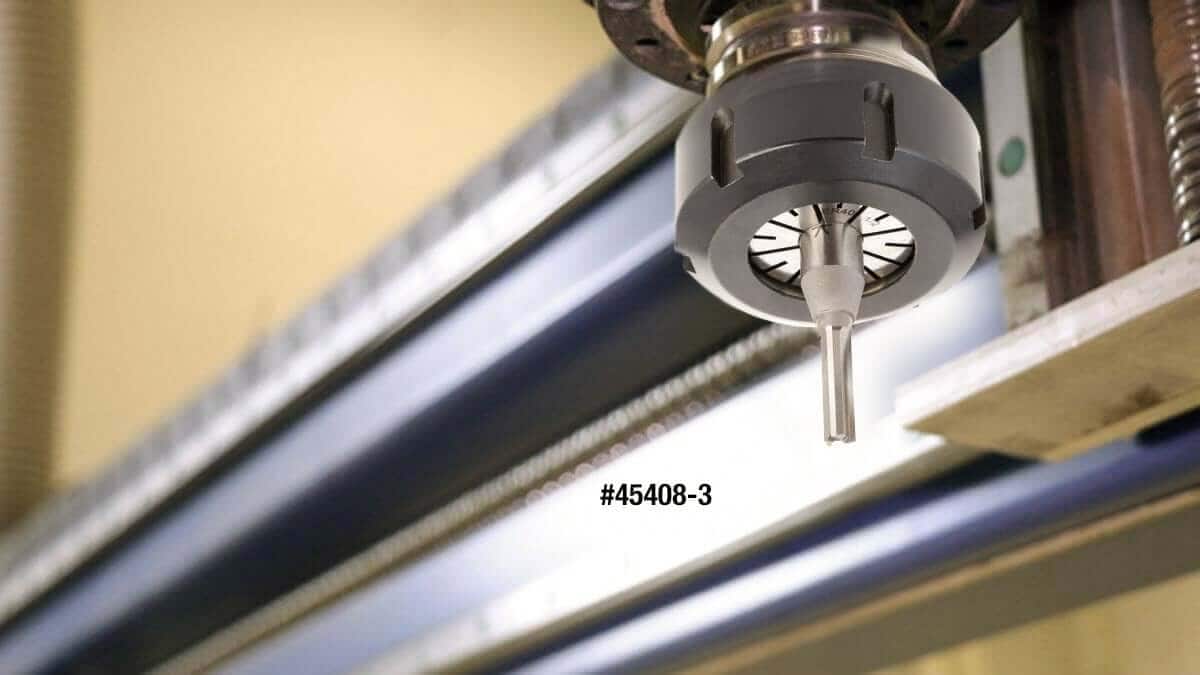
- ¼" High-Production Straight Plunge (e.g., 45408): fast roughing.
- Compression bit (e.g., 46172-K): clean edges and through-cuts.
- 1/8" or 30° detail bit (e.g., 45771-K): lettering and fine finishing.
Bit sets like the AMS-272 general-purpose CNC set cover these needs in one kit.
9. Forgetting to Tram the Router or Spindle
A spindle that isn’t square to the table produces poor surface finish and inconsistent results.
Common beginner mistake
Ignoring tram because “it looks straight.”
What happens
- Surfacing passes show stripes
- Uneven cut walls
- Increased bit wear
What to use instead
- Insert surfacing bits (e.g., RC-2248): reduce visible ridges even when tram is slightly off.
- Take time to tram your spindle before precision projects, slab surfacing, or cabinetry jobs.
10. Buying Cheap Bits (and Paying for It Later)
CNC beginners often start with the cheapest bit set they can find.
Common beginner mistake
Assuming “all carbide is the same.”
What happens
- Short tool life
- Poor accuracy
- Frequent resharpening
- Inconsistent results between cuts
What to use instead
- High-quality solid carbide bits with advanced coatings: last longer, cut cooler, and produce professional surfaces.
- Insert bits (RC series): save money long-term—replace only the insert, not the whole tool.
Conclusion: The Right Bits Make CNC Easier
Avoiding beginner mistakes isn’t about luck—it’s about using the right CNC strategies and investing in bits that are designed for the materials you’re cutting.
With proper chipload, the correct geometry, and purpose-built CNC bits, you’ll get:
- Cleaner edges
- Faster production
- Longer tool life
- More consistent results