Why Your CNC Router Bit Is Burning Wood (And Why Slowing Down Might Make It Worse)
Table of Contents
- Quick Take
- What Actually Causes Burn Marks?
- The Difference Between Cutting and Rubbing
- Understanding Chip Load Without the Math Headache
- Why Slowing Down Can Make Burning Worse
- Signs Your CNC Router Bit May Be Running Too Slowly
- Other Common Causes of Burning
- Why Compression Bits Can Burn When Run Too Conservatively
- How to Fix Burning: A Practical Checklist
- A Real-World CNC Lesson
- Common Mistakes That Cause CNC Burning
- Final Thoughts
- FAQs
Why Your CNC Router Bit Is Burning Wood (And Why Slowing Down Might Make It Worse)
Seeing burn marks on a CNC project can be frustrating, especially when the cut looked fine in the preview and the toolpath seemed reasonable.
For many beginners, the instinctive response is to slow the machine down.
That feels logical. If something is going wrong, backing off seems safer. If the bit is burning the wood, it must be moving too fast, right?
Not always.
In many CNC routing situations, slowing down can actually make burning worse. The reason comes down to heat, friction, and chip load.
Quick Take
If your CNC router bit is leaving burn marks, the problem is not always excessive speed. In many cases, the bit is spending too much time rubbing the wood instead of cutting it. Running too slowly can reduce chip load, create friction, and generate enough heat to scorch the material.
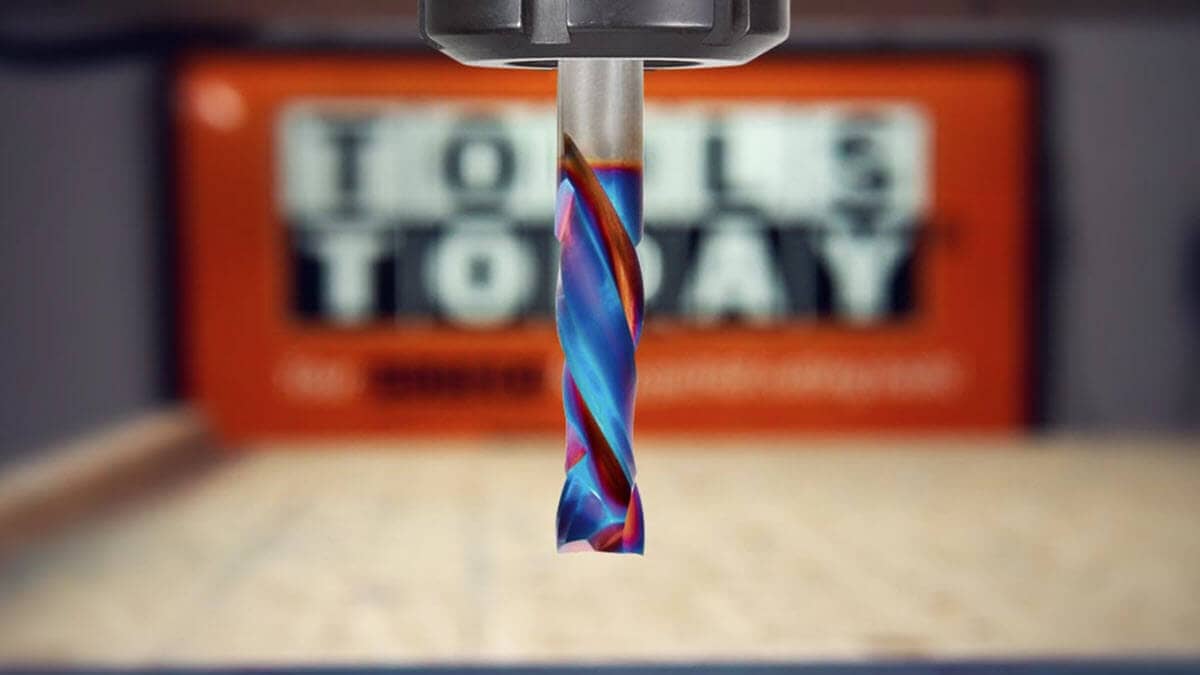
1,000 Inches Per Minute. Zero Burn. That's Spektra™. Please note; this is an industrial machine. Most hobby machines can't go this fast. But that's not because the bit can't take it.
What Actually Causes Burn Marks?
Burning happens when heat builds up faster than it can escape.
A properly cutting router bit should remove material cleanly and eject chips from the cut. Those chips are important because they help carry heat away from the cutting edge.
When the bit is not taking a big enough bite, it may start rubbing instead of cutting. That friction creates heat. Enough heat creates burn marks.
Think of it like sanding one spot for too long. Eventually, the surface gets hot enough to discolor.
The Difference Between Cutting and Rubbing
A CNC router bit removes material by taking a small bite with each cutting edge as it rotates.
If the machine advances too slowly, each cutting edge removes too little material. Instead of producing proper chips, the bit creates fine dust. More of the cutting energy turns into heat, and the tool starts polishing or rubbing the wood rather than cutting it efficiently.
That can lead to:
- Burn marks
- Poor edge quality
- Premature tool wear
- Dull cutting edges
- More sanding after machining
This is why a bit spinning at high RPM while moving too slowly can burn even more than the same bit moving at a faster feed rate.
Understanding Chip Load Without the Math Headache
Chip load is the amount of material each cutting edge removes on every revolution.
If the chip load is too low, the bit may rub and generate heat. If the chip load is too high, the cut may become too aggressive, creating chatter, poor finish, or even tool breakage.
The goal is to find the correct balance between feed rate, spindle speed, number of flutes, tool diameter, material, and machine rigidity.
In practical terms:
- If you are making dust instead of chips, your chip load may be too low.
- If the cut sounds rough or the machine is struggling, your chip load may be too high.
- If the edge is clean and the chips are evacuating properly, you are closer to the right balance.
Why Slowing Down Can Make Burning Worse
When you reduce feed rate without also reducing RPM, the bit takes a smaller bite on each revolution.
That means the cutting edge contacts the wood more times while removing less material. Instead of slicing off chips, it rubs against the surface.
More rubbing means more heat.
More heat means more burning.
This is the opposite of what many beginners expect. In some cases, the cleaner solution is not to slow down, but to increase the feed rate, reduce the RPM, or do both in a controlled way.
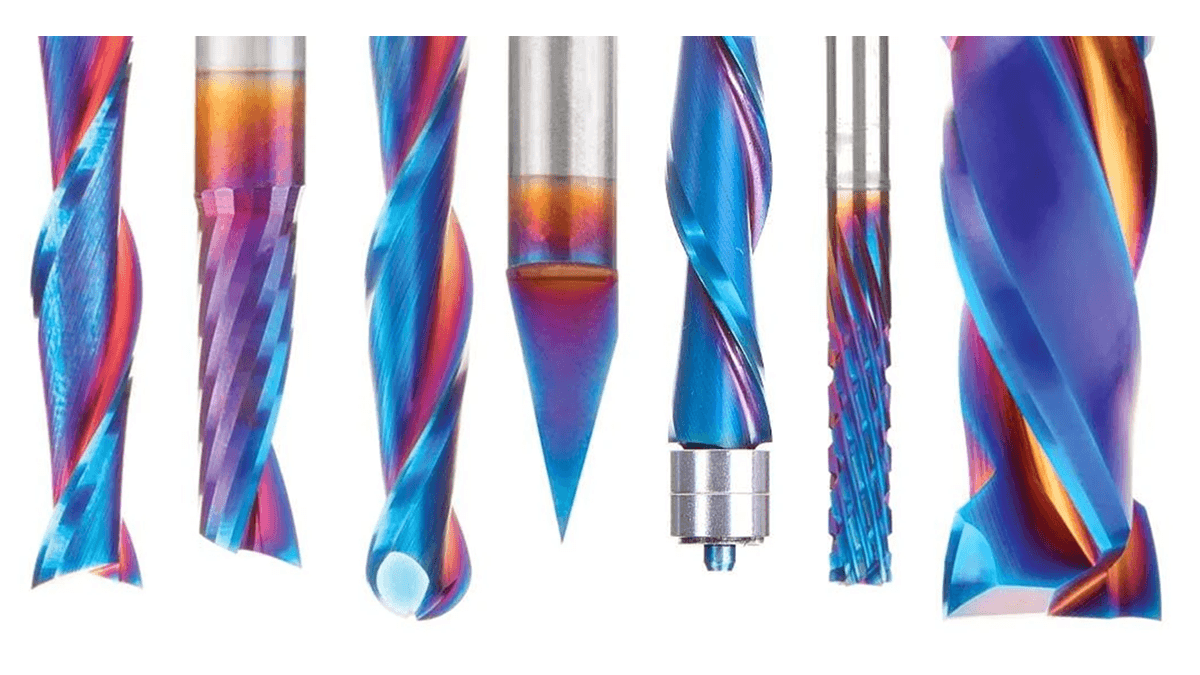
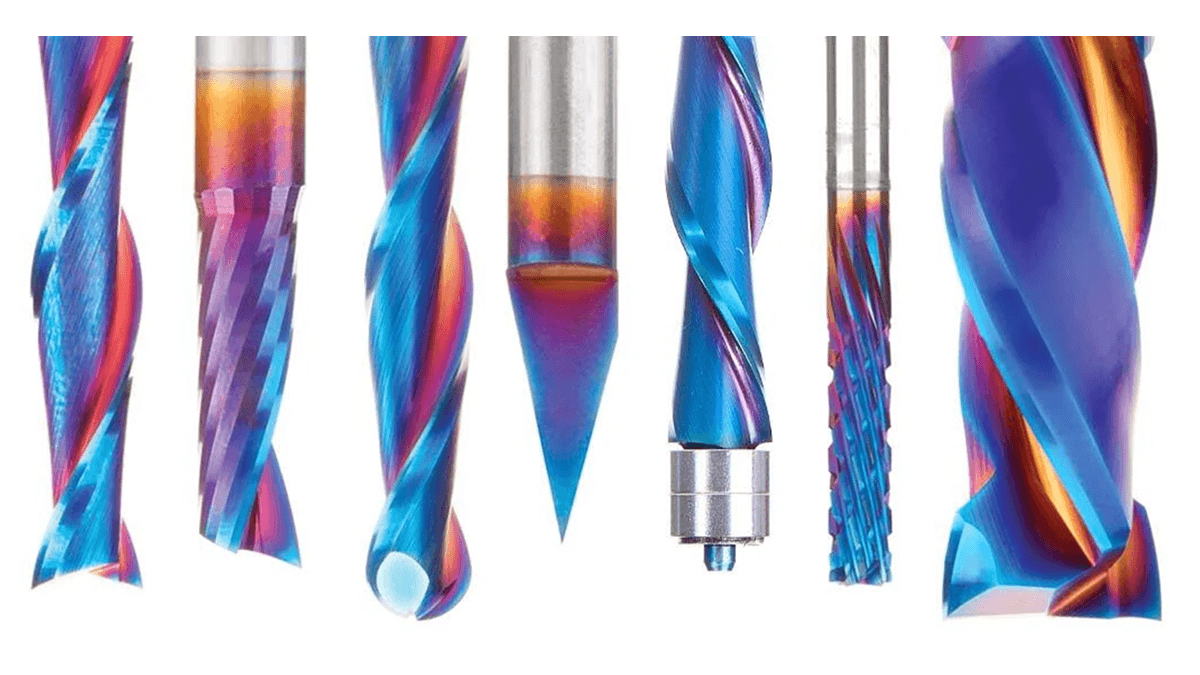 Spektra™ bits are designed to increase durability, reduce friction, and extend usable tool life. Read more..
 Signs Your CNC Router Bit May Be Running Too Slowly
1. You Are Producing Fine Dust Instead of Chips
Dust is often a sign that the bit is not taking a proper bite. A healthy CNC cut should usually produce visible chips, not just powder.
2. Burn Marks Appear Along the Entire Cut
Consistent discoloration along the edge often points to heat buildup from friction.
3. The Bit Gets Extremely Hot
Router bits get warm during cutting, but excessive heat can indicate rubbing, poor chip evacuation, or a dull cutting edge.
4. The Bit Dulls Quickly
Heat is one of the biggest enemies of carbide cutting tools. If your bits seem to lose their edge quickly, your feeds and speeds may be too conservative.
Other Common Causes of Burning
Feed rate is important, but it is not the only factor. Burning can also be caused by tool condition, RPM, wood species, chip evacuation, and depth of cut.
Dull Router Bits
A dull bit cuts less efficiently and rubs more. Even perfect feeds and speeds cannot fully compensate for a worn cutting edge.
If a bit that used to cut cleanly now leaves burn marks, inspect it for wear, chips, resin buildup, or damage.
Excessive RPM
High RPM is not always better. If the spindle speed is too high for the feed rate, chip load drops and heat increases.
In some cases, lowering RPM while maintaining feed rate can reduce burning and improve edge quality.
Resinous or Burn-Prone Woods
Some woods burn more easily than others. Maple, cherry, and pine are common examples. Resin, pitch, and natural density can all increase friction and heat.
Cleaning the bit regularly can help, especially when cutting pitchy softwoods.
Poor Chip Evacuation
If chips stay trapped in the cut, the bit may recut them again and again. This increases heat and can leave a poor finish.
Good dust collection, proper toolpath strategy, and the right bit geometry can all help remove chips more effectively.
Taking Too Shallow a Cut
Very light passes can sometimes encourage rubbing instead of cutting. This is especially true if the RPM is high and the feed rate is low.
A slightly deeper pass, paired with the correct feed rate, may actually cut cooler and cleaner.
Why Compression Bits Can Burn When Run Too Conservatively
Compression bits are excellent for plywood, melamine, MDF, and laminated materials because they help produce clean edges on both the top and bottom surfaces.
But compression geometry also creates more contact with the material. If the feed rate is too low, the bit can rub and generate heat quickly.
This is one reason experienced CNC operators often run compression bits faster than beginners expect. On a rigid machine, a faster feed rate can help maintain proper chip load and reduce burning.
How to Fix Burning: A Practical Checklist
Step 1: Inspect and Clean the Bit
Look for dull edges, chips, resin buildup, or discoloration. Clean the bit if needed, and replace it if the cutting edge is worn or damaged.
Step 2: Look at the Chips
Are you making chips or dust? If you are mostly making dust, the bit may be rubbing.
Step 3: Increase Feed Rate Gradually
Try increasing the feed rate in small steps, such as 10–20%, while monitoring cut quality, sound, and chip formation.
Step 4: Reduce RPM if Needed
If the spindle speed is too high, lowering RPM can help increase chip load and reduce heat.
Step 5: Improve Chip Evacuation
Use effective dust collection and choose a bit geometry that clears chips well for the cut you are making.
Step 6: Check Depth of Cut
Make sure the tool is actually cutting, not just skimming the surface. Extremely shallow passes can sometimes create more heat than expected.
Step 7: Use Manufacturer Recommendations as a Starting Point
Feeds and speeds charts are starting points, not universal guarantees. Machine rigidity, material type, hold-down, toolpath strategy, and operator experience all matter.
A Real-World CNC Lesson
Many industrial CNC machines can run feed rates that seem surprisingly fast to beginners. That does not mean the operator is being careless.
On a rigid, powerful machine, a faster feed rate may allow the bit to maintain proper chip load, evacuate heat through the chips, and produce a cleaner edge.
On a lightweight CNC router, the same feed rate might be too aggressive. That is why feeds and speeds must always be matched to the machine, material, tooling, and setup.
The important lesson is this: burning is not solved by slowing down automatically. It is solved by understanding why heat is building up.
Common Mistakes That Cause CNC Burning
- Slowing the feed rate at the first sign of trouble
- Running too much RPM for the feed rate
- Using a dull or dirty bit
- Ignoring chip evacuation
- Producing dust instead of chips
- Taking extremely shallow finishing passes
- Copying settings from a completely different machine
- Assuming conservative settings are always safer or cleaner
If you’re just getting started with a CNC, choosing the right bits can get confusing fast. Check out Matt's CNC Starter Woodworking Set.
Final Thoughts
Burn marks are usually a sign of heat, not simply speed.
When a CNC router bit is rubbing instead of cutting, slowing down may give the bit even more time to generate heat. In those cases, increasing feed rate, lowering RPM, improving chip evacuation, or replacing a dull bit may produce a cleaner result.
The key is to watch the chips, listen to the cut, and make controlled adjustments. Once you understand the relationship between feed rate, RPM, chip load, and heat, CNC burning becomes much easier to diagnose and fix.
FAQs
Why is my CNC router bit burning the wood?
The most common cause is excessive heat buildup. This can happen when the bit is rubbing the material instead of cutting it efficiently. Common causes include feed rates that are too slow, spindle speeds that are too high, dull tooling, poor chip evacuation, or resin buildup on the bit.
Can a feed rate that is too slow cause burning?
Yes. When the feed rate is too slow, the cutting edge takes very small bites and spends more time in contact with the wood. Instead of producing chips, the bit may create fine dust and friction, which generates heat and can leave burn marks.
Should I reduce RPM if my router bit is burning?
Sometimes. If the spindle speed is too high relative to the feed rate, chip load decreases and the bit may begin rubbing instead of cutting. Reducing RPM while maintaining an appropriate feed rate can often help reduce heat and improve cut quality.
How can I tell if my chip load is too low?
One of the easiest signs is the type of waste coming off the cutter. If you're producing mostly fine dust instead of visible chips, your chip load may be too low. Burn marks, excessive heat, and premature tool wear can also indicate insufficient chip load.
Do dull router bits cause burning?
Absolutely. A dull cutting edge requires more force to remove material and generates more friction. Even with correct feeds and speeds, a worn or damaged bit can leave burn marks, reduce cut quality, and shorten tool life.
Why does my compression bit burn hardwoods?
Compression bits have more cutting-edge contact with the material than many other bit styles. When run too slowly, they can generate significant heat, especially in dense hardwoods such as maple or cherry. Increasing feed rate, reducing RPM, or using a sharper bit often helps.
Does dust collection affect burning?
Yes. Effective dust collection helps remove chips from the cutting zone. When chips remain trapped in the cut, the bit can recut them repeatedly, increasing friction and heat. Better chip evacuation often results in cooler cutting and cleaner edges.
What should I check first if I see burn marks?
Start by inspecting the bit. Look for dull edges, resin buildup, or damage. Then examine the chips being produced, verify your feed rate and RPM settings, and ensure chips are being cleared effectively from the cut. In many cases, the solution is a small adjustment rather than a major change.